
A customer calls a bank or financial services provider to check on a loan or card application. The recorded IVR menu offers broad options that do not match where the application is stuck or what document is missing. The caller guesses an option, explains the situation to an agent, and gets transferred to another queue—repeating their reference number and details along the way.
For contact center leaders, that friction can raise operating costs: misrouted calls increase handling time, avoidable transfers strain specialist queues, and customers may call again when they do not get a clear next step.
Modernizing IVR does not require replacing the entire telephony tree at once. A practical starting point is a journey with clear demand, dependable system lookup, and defined fallback rules—such as application status—while keeping predictable menus and direct human paths intact and measuring whether the new flow actually resolves work.
IVR vs. Voice AI: What Changes for the Caller?
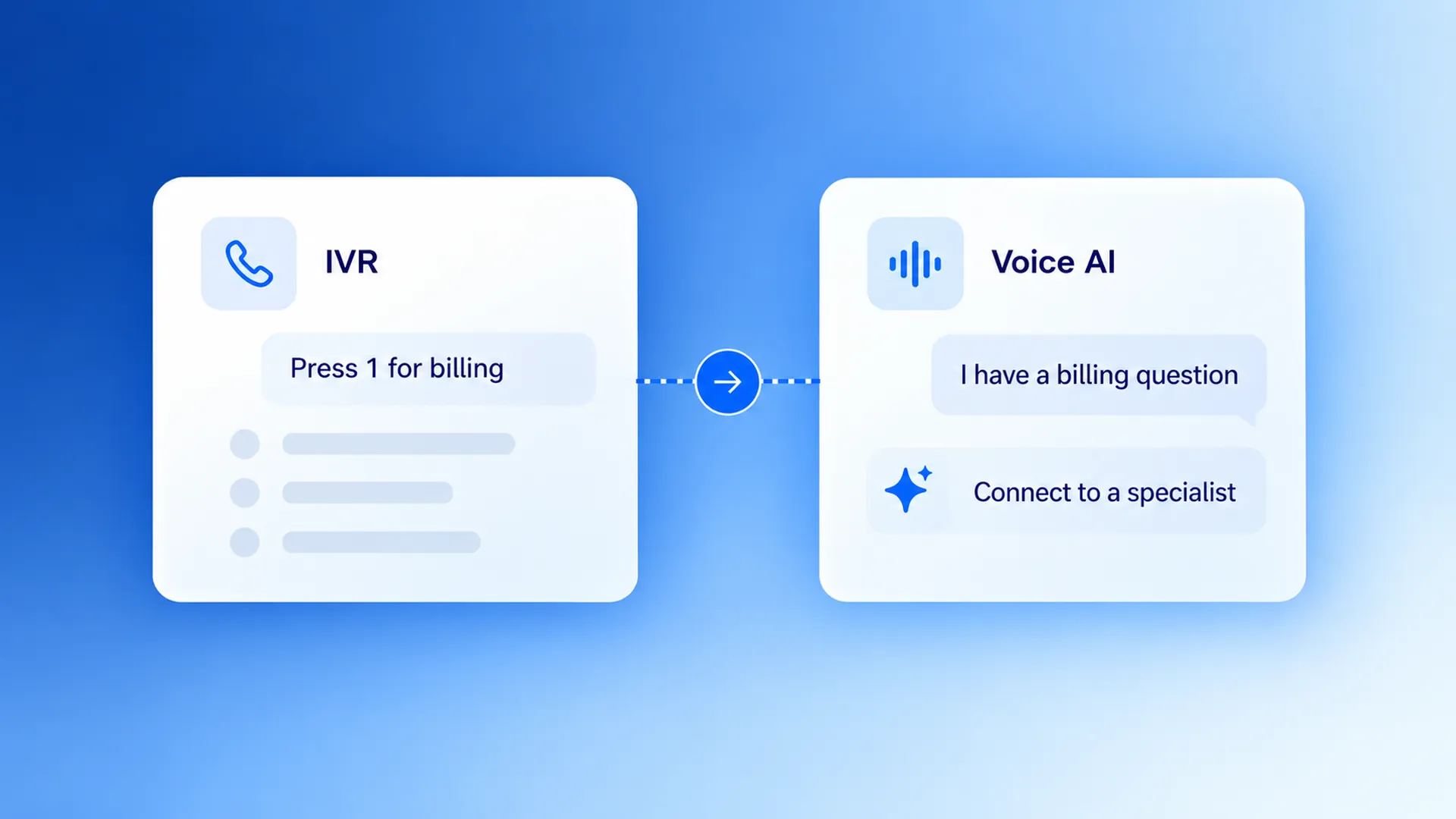
Traditional IVR guides callers through configured keypad or voice options. Depending on its design, it can route calls, provide information or complete self-service tasks. A voice agent can follow a more flexible conversation and, where connected and authorized, use information or take an action to move the request forward.
| Approach | How customers interact | What happens next |
|---|---|---|
| Menu-based IVR | Choose a numbered option or fixed phrase. | The system routes the call, plays information or completes a configured step. |
| Speech-enabled IVR | Say a request within a designed flow. | The system follows the configured path for a recognized request. |
| AI voice agent | Explain a request, ask a follow-up or correct a detail. | The agent can use approved knowledge and connected systems to answer, take a permitted action or hand off with context. |
These approaches can overlap: an IVR can already use speech recognition or AI. The practical question is whether the caller can reach the right outcome when their request does not fit a fixed option.
Find the Point Where the Current Journey Breaks
Not every IVR path needs to change. A straightforward option that reliably connects callers to the right destination may already be doing its job. Look instead for requests where callers struggle to categorize their situation, frequently transfer between teams, or repeat details after reaching an employee.
Application status and a complex dispute or urgent account escalation illustrate that difference. An application status inquiry may fit a voice agent when identity checks are established and authorized systems can return the current stage and required next step. A complex dispute or time-sensitive escalation often calls for human judgment or an established specialist route rather than automated resolution.
High call volume alone does not make a journey the right starting point. A frequent request with unreliable backend data or unclear permissions can scale confusion faster than a narrower journey backed by dependable records and a clear human route.
| Candidate request | What the caller needs | A sensible starting decision |
|---|---|---|
| Application status | Current stage, missing items if any, and the next required step | Consider voice AI if identity verification and authorized system access can be established. |
| Routine service update | A relevant status or confirmation for a defined request | Consider it when source data is reliable and there is a clear route to an employee. |
| Complex dispute or sensitive escalation | Human judgment or an established specialist procedure | Keep a direct route to the appropriate team and follow organizational rules. |
Before choosing a first journey, compare volume and impact, and check four operational basics: where the answer comes from, what the agent is permitted to do, what happens if a lookup or service is unavailable, and what context an employee receives upon handoff.
Let Voice AI and Existing Routes Work Together
A move to voice AI does not have to begin with replacing the entire IVR. Depending on the telephony and routing environment, a contact center can introduce a voice agent for one request while keeping established paths for other services or direct access to a person.
Consider the application-status route. A caller explains that they are checking on an application in their own words. Where connected and authorized, the agent verifies identity, checks status records, and shares the current stage and next step. If no status record is found, verification cannot be completed, or the caller asks for a person, the call moves along an established route to an employee.
Where the voice agent enters the call flow depends on how the contact center routes traffic today:
- An existing IVR branch: Wire the voice agent into a specific menu branch—such as application status—while leaving familiar, predictable menus and direct human options untouched.
- A specific queue: Route calls destined for a particular service or status queue through the voice agent first, while other queues continue operating as configured.
- Overflow or after-hours: Bring the voice agent in when a target queue reaches capacity or outside standard staffing hours, with clear routing rules back to human teams when available.
If the agent cannot understand the request, or the voice service or status lookup is unavailable, the team needs a fallback path separate from the step that failed. Define which retained menu or manual queue the caller reaches, who owns that route, and how to prevent calls from looping back into the same failed step. A failed lookup only means status could not be retrieved—it does not establish that no application exists.
The existing environment shapes every piece of that connection. Telephony integration, identity checks, system permissions, and fallback ownership must be verified against the live setup rather than assumed.
Design the Handoff Before the Customer Needs It
An application inquiry may move from a voice agent to an employee when records are incomplete, an exception requires review, or the caller asks to speak with someone. A useful handoff record—subject to what the workflow is permitted to share—captures the caller's stated request, any reference details collected, and what status or step was already covered, so the employee can continue without asking the customer to reconstruct the call.
The flow also needs a clear next step when the target team is busy. Explaining a queue or callback option, where available, is more helpful than a transfer that leaves the caller unsure what happened.
Reframing handoff quality matters when comparing the new journey with the old one. A transfer that reaches the right employee with accurate context can be a successful outcome; the goal is not to prevent every transfer.
Measure the Journey Customers Actually Experience
Shorter calls or higher automation rates can be useful operational signals, but neither proves a caller received the right answer. Compare similar requests over a consistent period and look at both first-contact outcomes and downstream work.
To turn measurement into a working feedback loop, group application-status calls into clear outcome categories and track follow-on effort:
- Resolved with verified status: The caller received an authorized status update and clear next step without needing another transfer for that check.
- Transferred with structured context: The case moved to an employee or specialist queue with usable call context so the caller did not have to start over.
- Unresolved or repeat contact: Track calls that end without an answer or confirmed next owner, and callbacks about the same unresolved issue. Distinguish these from planned updates, new requests and cases appropriately routed for manual review.
- Post-handoff employee effort: Track whether receiving staff had the context needed and whether follow-up handling time or rework decreased compared with the prior IVR flow.
Before expanding to additional journeys, run five acceptance test cases against the live configuration:
- Standard status inquiry: After valid verification, authorized lookup returns current application progress and the next step accurately.
- Unverified identity boundary: When identity verification cannot be completed, the agent does not disclose account or application details and routes according to policy.
- Caller correction mid-conversation: When a caller corrects a reference number, product type, or detail during the call, both the response and any handoff record use the updated information rather than earlier inputs.
- Missing record or unavailable lookup: If no matching record is found or a lookup/voice service is unavailable, the call moves to the defined fallback or employee route without false assumptions or loops.
- Unrecognized request or human handoff: When a caller asks for a person, speaks outside scope, or hits an exception, the call follows the designated route—passing available context where permitted and explaining queue or callback options if specialists are busy.
Comparing these results against the baseline IVR—how often callers reached the right team and whether employees had usable context—gives leaders a grounded basis to tune, hold, or expand.
Where Dyna.Ai Fits
Dyna.Ai Voice Agent is built to understand natural spoken requests, operate within approved workflow and compliance rules, and route conversations to human teams when needed. In an application-status flow, callers can describe what they need in everyday language while authorized workflows check available status and pass context when an employee takes over.
When a customer checking an application also wants to ask about an eligible product or service, Dyna.Ai Customer Service Agent and AI Copilot can support broader service questions and assist employees with relevant context during live follow-up, depending on approved rules, data access, and deployment scope. Across regulated financial and enterprise deployments—including collections and customer engagement workflows—capabilities are configured around existing telephony, security, and operational requirements rather than one-size-fits-all assumptions.
HelloWork uses Dyna.Ai Voice Agent to guide jobseekers and employers through account opening and login. The agent handles four account-support scenarios using prepared knowledge and the caller's progress, with a route to human support when a question falls outside its boundaries.
Make the Next Call Easier
Customers should not have to translate a real problem into the wrong menu option just to get an update. Start with one high-friction journey like application status, verify entry points, fallback behavior, and handoffs before scaling, and measure real resolution over time.
Explore Dyna.Ai Voice Agent to see how natural conversations and configured handoffs can help your contact center move customer requests forward.